

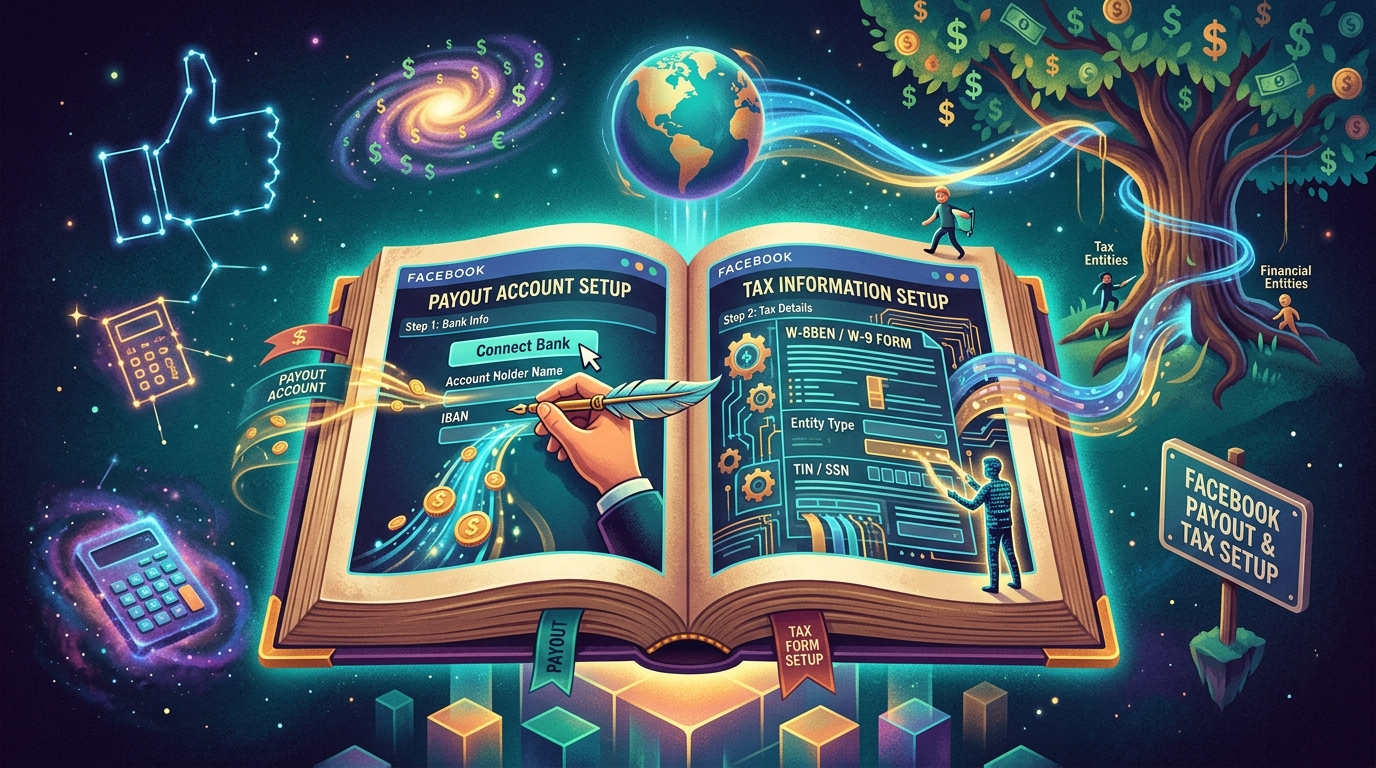
Setting up your Facebook Payout Account is no longer just a technical step, it’s a requirement if you want to actually receive earnings from monetisation tools like in-stream ads or Reels Bonuses. Many creators reach eligibility but get stuck here. Let’s walk through it properly, in a clear and practical way.
Where to Start: Payout Setup on Facebook
Begin inside your Meta Monetisation Manager (sometimes shown under Professional Dashboard).
- Go to Monetisation Manager.
- Click Payout Settings.
- Select Set Up Payout Account.
You’ll be asked to choose:
- Individual (most creators).
- Business (registered companies).
For most creators in Nepal, Individual is the correct option.
Choosing Your Payment Method : Facebook (Meta) supports different payout methods depending on your region. In Nepal, the most commonly used option is:
- Bank Transfer (Direct Deposit / Wire Transfer)
You’ll need:
- Bank account holder name (must match your profile).
- Bank name and branch.
- SWIFT/BIC code.
- Account number
⚠️ Ensure all details are accurate or mistakes can delay payments for weeks.
Facebook Tax Information Setup (Very Important) : This is where many creators get confused. Facebook is a US-based company (Meta Platforms), so it requires tax information—even if you live in Nepal. You’ll be asked to fill out a tax form before receiving payments.
Which Tax Form Should Nepal Creators Use? : As a Nepali creator, you are a non-US individual, so you will typically complete:
- W-8BEN Form
This form tells Facebook:
- You are not a US citizen.
- You are earning from outside the US
How to Fill the W-8BEN Form (Simple Breakdown) : Inside Facebook, the form is digital—no need to download anything.
You’ll fill:
- Name : Your Full Legal Name (same as BANK Account)
- Country of Citizenship : Nepal
- Permanent Address : Your full home address in Nepal
- Foreign Tax Identification Number (TIN) : In Nepal, this can be your PAN (Permanent Account Number). If you don’t have PAN, you may still proceed, but having one is recommended
- Signature : Just type your name (digital signature)
- Do You Need to Pay US Tax? : Generally, no—but here’s the key point:
- Without submitting the W-8BEN, Facebook may withhold up to 30% tax.
- After submitting it correctly, you can reduce or avoid US withholding tax (depending on tax rules).
- You may still need to follow Nepal’s local tax laws separately.
- Payment Threshold & Timing : Facebook usually pays when:
- You reach the minimum threshold (commonly $100).
- Payments are processed monthly.
Delays can happen if:
- Tax form is incomplete.
- Bank details are incorrect.
- Account is under review
- Common Mistakes to Avoid :
- Using a Nickname instead of Legal Name.
- Entering wrong bank SWIFT code.
- Skipping Tax Form Submission.
- Using someone else’s Bank Account.
- Ignoring email verification requests.
Final Thoughts : Setting up your payout account isn’t complicated—but it must be done carefully. Facebook’s system is strict because it deals with international payments and compliance. For Nepali creators, the key takeaway is simple: Fill the W-8BEN form correctly, match your bank details, and your earnings will flow without issues.